ePROCUREMENT
One portal to order, track, and receive claims data.
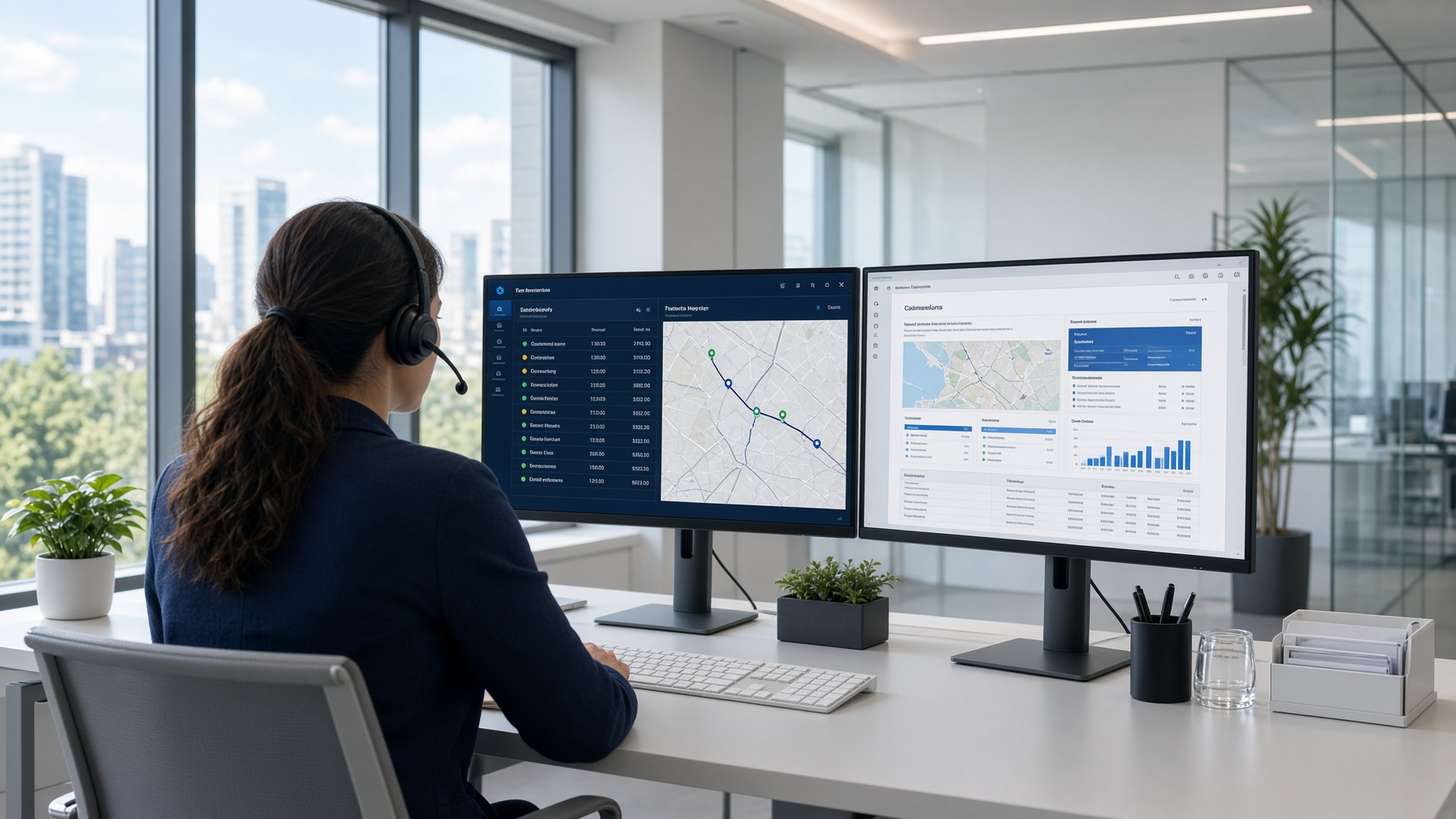
Retrieving reports is a common, cumbersome task. Our proprietary system was built so insurance and claims teams can order police, fire, and video records from one place — quickly, and without extra fees for the hard parts.
01
Order
The fastest path is the eProcurement portal. Submit one request or many. Multiple orders can be file-uploaded; a wide range of formats are accepted.
02
Map and verify
We collect the details of the request. Mapping, law-enforcement database searches, and agency contact confirm the right place to file. If the agency is unknown, we research until it is found.
03
File and follow
The request is prepared and submitted. If it must be re-routed, we re-route. We research the file and follow up on status when you contact us — at no extra charge.
04
Deliver and archive
Reports are forwarded the same day we receive them. View and print in the portal, or receive by email as a PDF. eProcurement archives the file so you can retrieve it later. Duplicate-order alerts keep the desk clean.
What you can order
A wide range of reports — accidents, incidents, fire, DUI, arrest, homicide, toxicology, coroner — as well as search, order, and view of traffic camera videos and body-worn camera footage. Pending details of a request, notifications of delayed reports, and alerts of duplicate orders are built in.
You pay the agency’s cost plus a flat service charge. No extras for re-routes, holds, or research. Invoices are semi-monthly and itemized by claim file. Our service charge is among the lowest in the industry.
Want a walkthrough of the portal?
Tell us how your claims team orders today. We’ll show you how easy it is to order, track, and view reports in eProcurement — and how that may work for you.